Başlarken
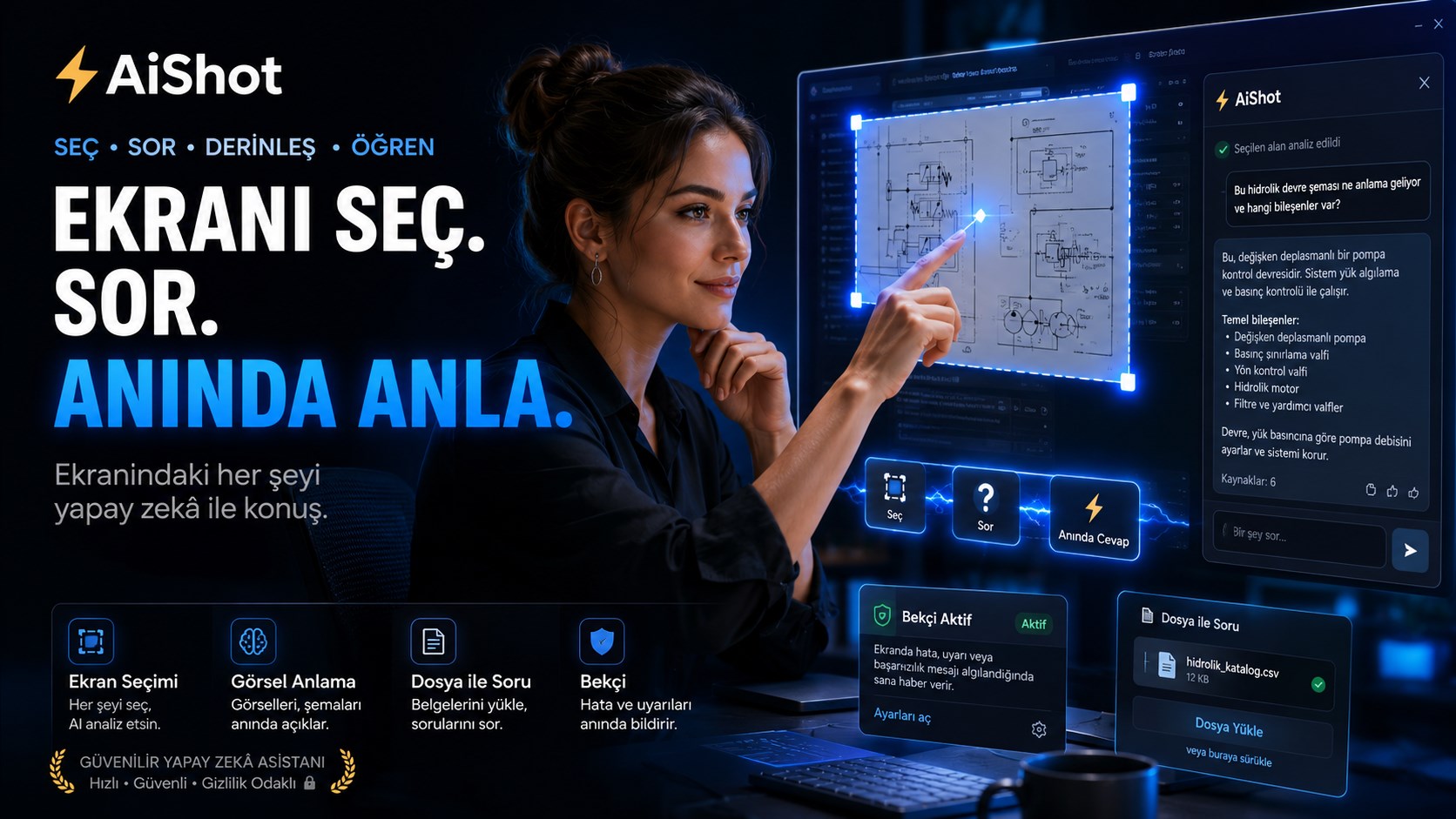
Hesap açmana, üye olmana gerek yok. Küçük bir günlük ücretsiz deneme hakkıyla kurar kurmaz kullanmaya başlarsın — API anahtarı istemez.
Düzenli kullanım için kendi yapay zekâ API anahtarını yapıştırırsın (Google Gemini, OpenAI, DeepSeek, Groq, OpenRouter ya da OpenAI-uyumlu herhangi bir API). Program sağlayıcıyı anahtarın kendisinden bulur, ayar penceresiyle uğraşmazsın, ve kendi anahtarınla sınırsız kullanırsın.
Nasıl çalışır
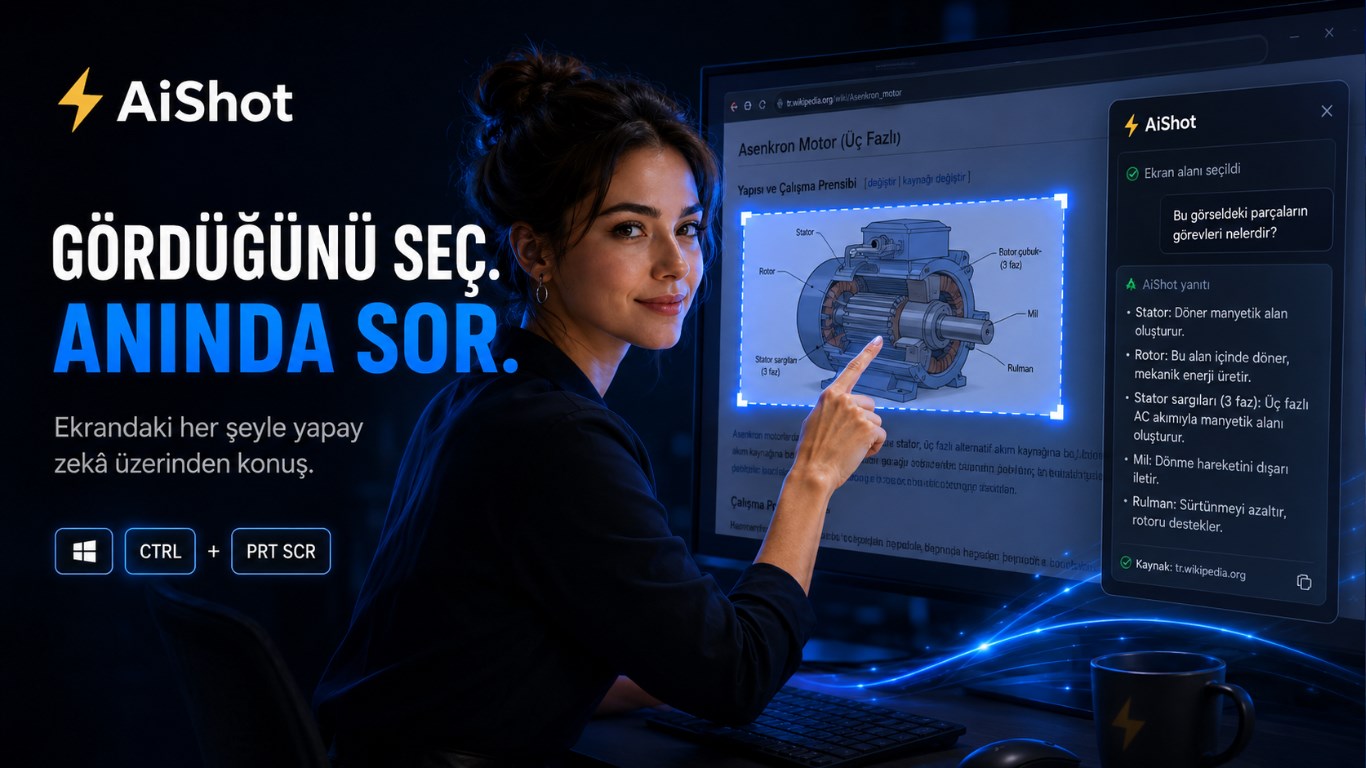
- Anında yakalama. Kısayola basınca yalnız şeffaf seçim katmanı açılır (~25 ms). Masaüstü akışı ilk taramada kurulur ve kullanılmazsa iki dakika içinde kapanır — program arka planda ekranı sürekli kodlamaz, bilgisayarı yormaz.
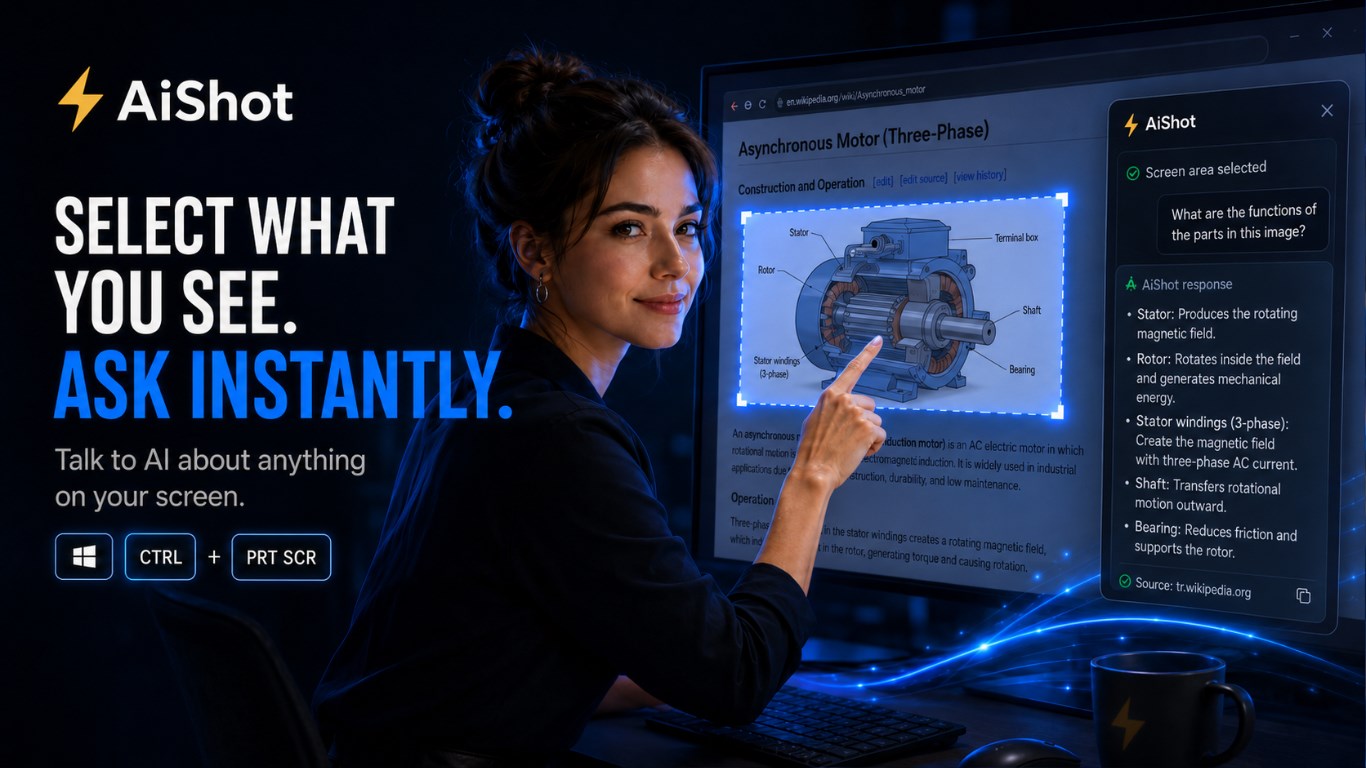
- Ekranı okuma. Görsel anlayan bir model kullanıyorsan (ör. Gemini) seçtiğin
bölgenin görüntüsü doğrudan modele gider; model resmi kendisi okur. Yalnız metin
işleyen bir sağlayıcıdaysan (ör.
deepseek-chat) bölge cihazındaTesseract.jsile OCR'lanır ve metin gönderilir. - Yanıt. Cevap panelde gösterilir; istersen Edge neural TTS ile Türkçe sesli okunur.
- Sohbet ve bağlam. Konuşmalar cihazında saklanır. Ctrl + V ile resim, 📎 ile belge ekleyip aynı oturuma bağlam katarsın.
Yetenekler
🖼️ Görsel anlama
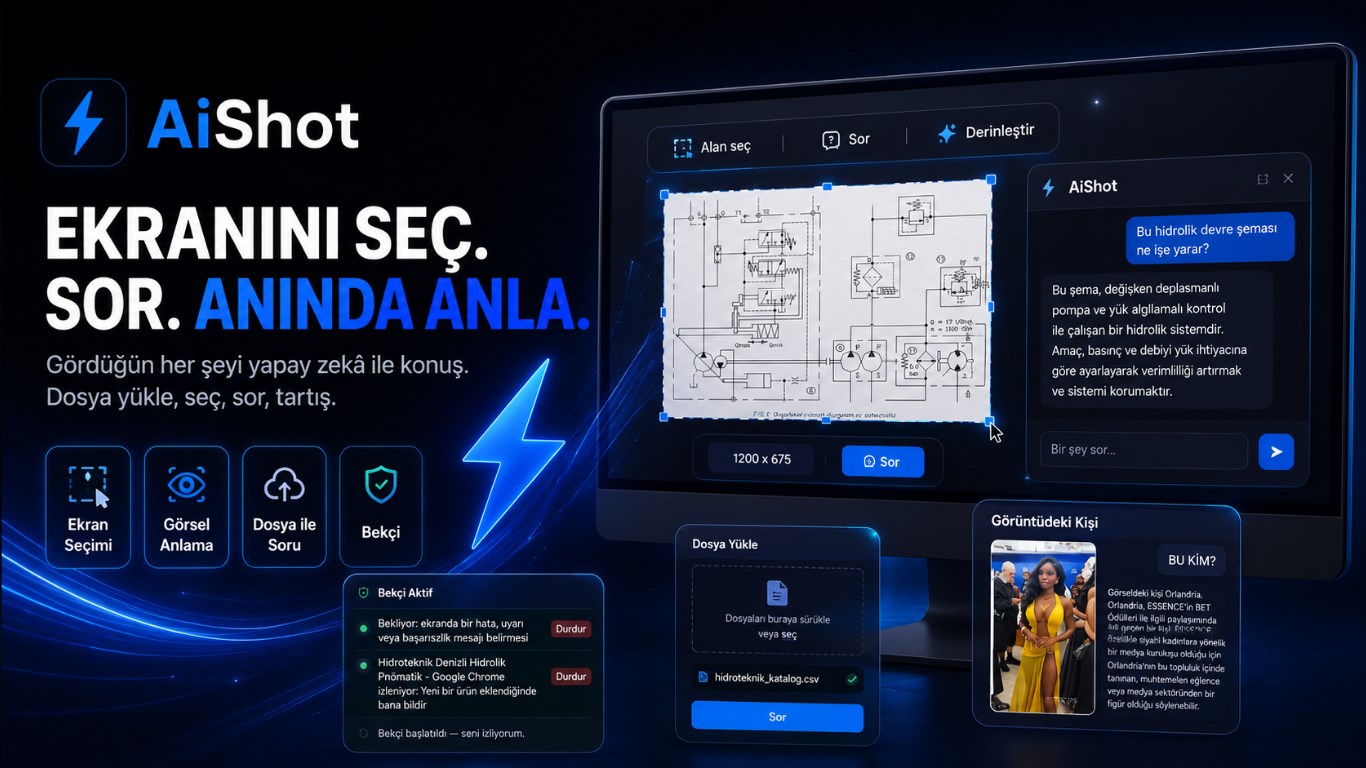
Ekranı görerek yorumlar: grafik ve eksen okuma, teknik şema, akış diyagramı, fotoğraftan ölçü tahmini, renkli durum tablosu.
🛡️ Bekçi modu
Belirli bir olayı arka planda bekler; olunca sistem bildirimi, panel mesajı ve sesle haber verir. Tüm ekran ya da üstü örtülü tek pencere.
📄 Belge işleme
PDF, taranmış PDF, Excel, Word, metin ve görsel; sürükle-bırak. Kılavuz yükleyip "buna göre ekranda nereye basayım" diye sorabilirsin.
🔊 Doğal sesli yanıt
Microsoft Edge neural TTS (Emel / Ahmet). Varsayılan kapalı — isteyen açar.
🔒 Anahtar cihazda kalır
Uygulamada gömülü anahtar yoktur. Girdiğin anahtar Windows DPAPI ile şifreli saklanır ve arayüze bir daha dönmez.
⚡ Hız odaklı
Seçim kutusu yakalamayı beklemez; kırpma sonradan taze kareden yapılır. Ölçülen uçtan uca gecikme ~1,3 sn.
Yapay zekâ sağlayıcıları
AIShot OpenAI-uyumlu her API ile çalışır. Anahtarı yapıştırdığında program sağlayıcıyı kendisi tanır.
| Sağlayıcı | Önerilen model | Görsel | Not |
|---|---|---|---|
| Google Gemini (önerilen) | gemini-2.5-flash | ✔ var | Görsel ve akıl tek modelde, düşük maliyet. |
| OpenAI | gpt-4o / gpt-4o-mini | ✔ var | Akıllı ve görsel; daha pahalı. |
| DeepSeek | deepseek-chat | ✘ yok | Akıllı, ucuz; yalnız metin/OCR yolu. |
| Groq / OpenRouter | Llama (ücretsiz katman) | kısmi | Hızlı deneme için; küçük modeller kalite düşürür. |
| Özel | — | modele bağlı | OpenAI-uyumlu yerel ya da üçüncü taraf uç nokta. |
Belge işleme
| Tür | Motor | Davranış |
|---|---|---|
| PDF (metin) | pdf-parse | Metin cihazda çıkarılır. |
| PDF (taranmış) | Gemini OCR | Metin yoksa görsel okunur; maliyet için ilk 15 sayfa. |
| Excel (.xlsx / .xls) | xlsx | Sayfalar CSV'ye çevrilip bağlam olur. |
| Word (.docx) | mammoth | Düz metin çıkarılır. |
| Metin (txt, md, csv, json, log, xml, yaml) | yerel | Doğrudan okunur. |
| Görsel (png / jpg) | OCR + görsel | Görsel anlama açıksa modele de gönderilir. |
Belge bağlamı 30.000 karakterde kırpılır. Taranmış PDF okuma yalnız Gemini sağlayıcısında çalışır.
Bekçi modu
"Ekranı canlı anlat" yerine "belirli olayı bekle, olunca haber ver" ilkesiyle çalışır. Böylece hem gecikme hem sürekli token tüketimi sorun olmaktan çıkar — zaten dakikalarca bekliyorsundur, sekiz saniye geç haber önemsizdir.
- Yerel döngü periyodik olarak tam ekran OCR alıp "yeni ne çıktı" farkını hesaplar. Bu adım bedavadır — yapay zekâ çağrısı yok.
- Beklediğin kelimeler ya da evrensel "tamamlandı / hata / %100" ifadeleri yeni metinde belirirse yerel tetik oluşur.
- Yalnız o an modele tek dar soru sorulur: "beklenen oldu mu?" Olmadıysa cevap
[waiting]olur ve maliyeti yok denecek kadar azdır. - Görsel yargı: görsel anlayan modelde kare de gönderilir — ilerleme çubuğunun %100 olması, kırmızı hata penceresi, renk değişimi gibi metinsiz olaylar da yakalanır.
- Hedef "belirli pencere" ise pencere üstü örtülü olsa bile içeriği okunur. Simge durumuna küçültülürse Windows pencereyi çizmediği için okunamaz.
- Aynı anda en fazla üç Bekçi çalışabilir.
Güvenlik ve gizlilik
- Kendi API anahtarınla kullandığında istek doğrudan senin seçtiğin sağlayıcıya gider; Hidroteknik'in sunucularına hiç uğramaz.
- Anahtarsız ücretsiz denemede istek, günlük hakkın sayılabilmesi için AIShot ağ geçidinden geçip Google Gemini'ye iletilir. İçeriği kaydedilmez ve saklanmaz; yalnız tek yönlü özetlenmiş (hash'lenmiş) bir kurulum kimliği ve günlük sayaç tutulur. Gemini tarafında ücretli katman kullanılır — veri model eğitiminde kullanılmaz.
- Görsel anlama açıkken seçtiğin bölgenin görüntüsü modele gönderilir. Yalnız metin işleyen bir sağlayıcı seçersen görüntü gitmez, yalnız OCR metni gider.
- API anahtarın cihazda Windows DPAPI ile şifreli saklanır, arayüze geri dönmez; uygulamada gömülü anahtar yoktur.
- Hesap yok, üyelik yok, reklam yok, izleyici yok.
- Hassas ekranları taramamaya özen göster — çıkarılan metin ve (görsel anlama açıksa) görüntü yapay zekâ sağlayıcısına gider.
Tam metin: Gizlilik Politikası
Teknik özellikler
| İşletim sistemi | Windows 10 / 11 (64-bit) |
|---|---|
| Çatı | Electron (Chromium) masaüstü uygulaması |
| Dağıtım | Microsoft Store (.appx) |
| OCR | Tesseract.js — cihazda, Türkçe + İngilizce |
| Yapay zekâ | OpenAI-uyumlu (Gemini / OpenAI / DeepSeek / Groq / OpenRouter / özel) |
| Görsel | Ekran görüntüsü 1920 px, kayıpsız PNG olarak gönderilir Ölçü yazıları ve ince çizgiler okunabilir kalsın diye; küçültme ve JPEG bunları bozuyordu. |
| Ses | Microsoft Edge neural TTS, yedeği yerel Web Speech |
| Kısayollar | Yakala: Ctrl + PrintScreen · Panel: Ctrl + Shift + Space |
| Kullanım sınırı | Bilgisayar başına günde 250 yapay zekâ çağrısı (maliyet koruması, gece yarısı sıfırlanır) |
| Monitör | Tek (birincil) ekran |
| Dil | Türkçe ve İngilizce; sistem diline göre otomatik |
| Fiyat | Ücretsiz |
Maliyet
Uygulama ücretsizdir. Kendi anahtarınla kullandığında token maliyeti senin sağlayıcı hesabına yazılır ve bizim bir payımız olmaz. Ücretsiz denemenin maliyetini ise biz karşılarız; bu yüzden günlük ve toplam bir sınırı vardır. Kurumsal dağıtımda anahtar bilgi işlem tarafından merkezi olarak sağlanabilir.
Getting started
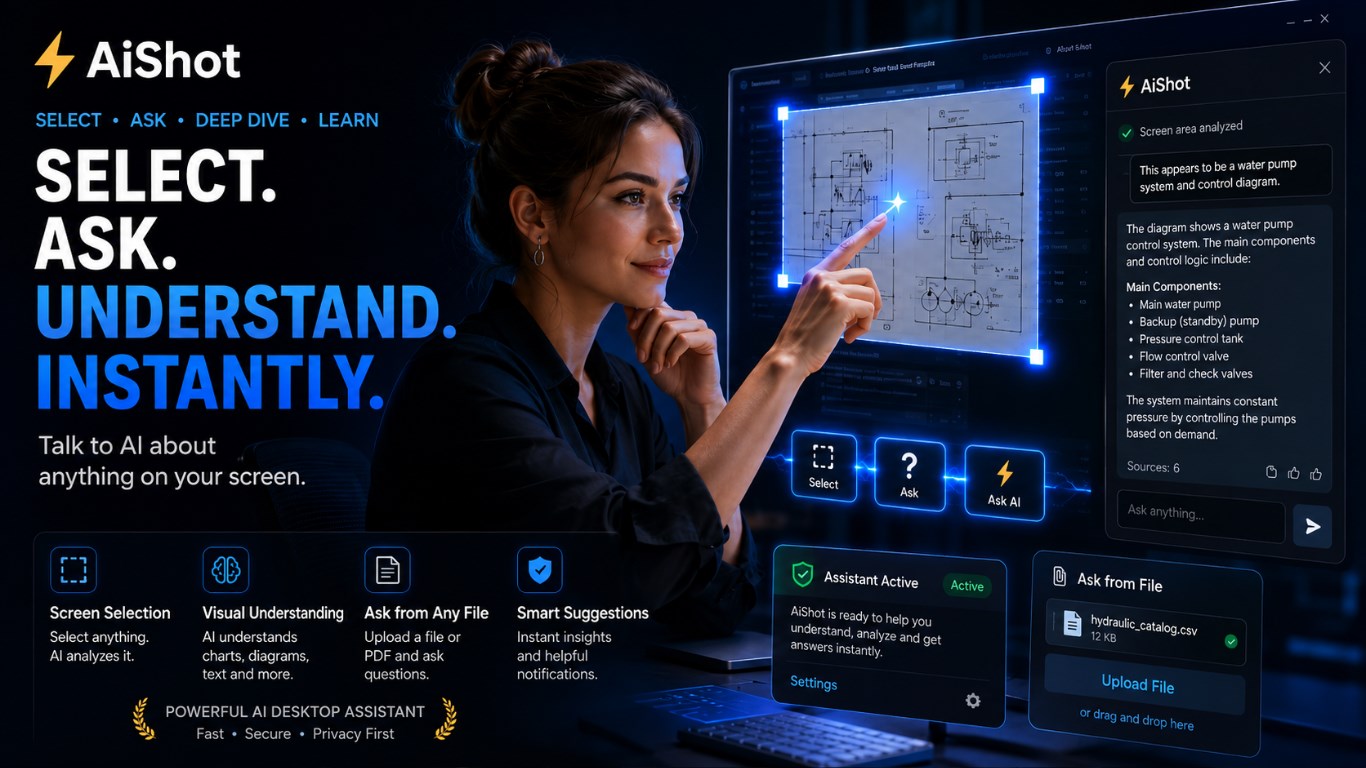
No account, no sign-up. A small daily free allowance lets you start using it the moment you install — no API key required.
For regular use, paste your own AI API key (Google Gemini, OpenAI, DeepSeek, Groq, OpenRouter, or any OpenAI-compatible API). The app detects the provider from the key itself, so you never have to touch the settings window, and with your own key usage is unlimited.
How it works
- Instant capture. Pressing the shortcut only opens a transparent selection layer (~25 ms). The desktop stream is created on the first capture and closes again after two idle minutes — the app does not encode your screen in the background all day.
- Reading the screen. With a vision-capable model (e.g. Gemini) the image of the
selected region goes straight to the model, which reads it itself. With a text-only
provider (e.g.
deepseek-chat) the region is OCR'd on your device withTesseract.jsand only the text is sent. - Answer. The reply appears in the panel and can be read aloud with Edge neural TTS.
- Chat and context. Conversations stay on your device. Add an image with Ctrl + V or a document with 📎 to give the same session more context.
Capabilities
🖼️ Visual understanding
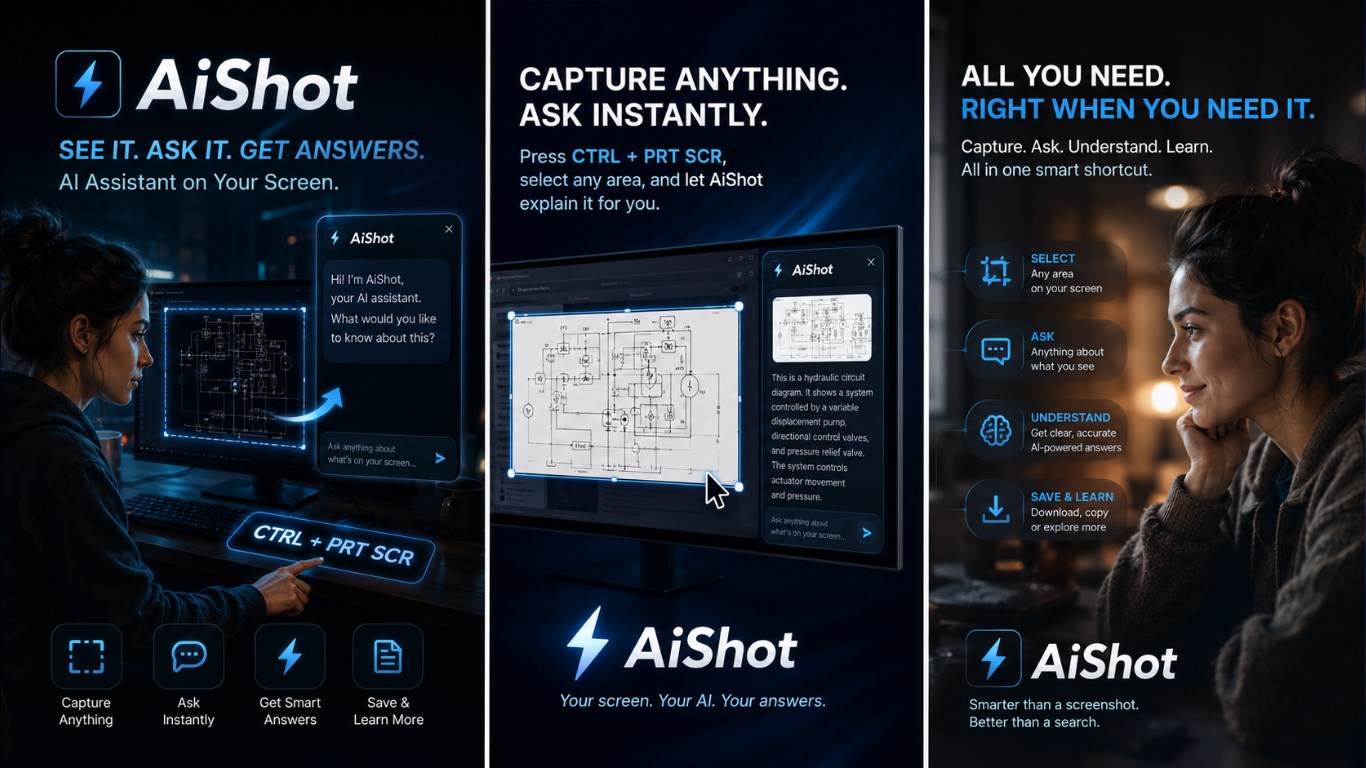
It interprets the screen by seeing it: charts and axes, technical schematics, flow diagrams, dimension estimates from a photo, colour-coded status tables.
🛡️ Sentinel mode
Waits in the background for a specific event and tells you — system notification, panel message and voice. Whole screen, or a single window even when it is covered.
📄 Document handling
PDF, scanned PDF, Excel, Word, text and images; drag and drop. Upload a manual and ask "according to this, what do I click?"
🔊 Natural speech
Microsoft Edge neural TTS. Off by default — turn it on if you want it.
🔒 Your key stays local
No key is embedded in the app. The key you enter is encrypted with Windows DPAPI and never shown in the interface again.
⚡ Built for speed
The selection box does not wait for the capture; cropping happens afterwards from a fresh frame. Measured end to end: ~1.3 s.
AI providers
AIShot works with any OpenAI-compatible API. Paste the key and the app recognises the provider on its own.
| Provider | Suggested model | Vision | Note |
|---|---|---|---|
| Google Gemini (recommended) | gemini-2.5-flash | ✔ yes | Vision and reasoning in one model, low cost. |
| OpenAI | gpt-4o / gpt-4o-mini | ✔ yes | Strong and visual; more expensive. |
| DeepSeek | deepseek-chat | ✘ no | Capable and cheap; text/OCR path only. |
| Groq / OpenRouter | Llama (free tier) | partial | For a quick try; small models lower answer quality. |
| Custom | — | model dependent | Any OpenAI-compatible local or third-party endpoint. |
Document handling
| Type | Engine | Behaviour |
|---|---|---|
| PDF (with text) | pdf-parse | Text extracted on your device. |
| PDF (scanned) | Gemini OCR | Read as an image when there is no text; first 15 pages for cost. |
| Excel (.xlsx / .xls) | xlsx | Sheets converted to CSV and used as context. |
| Word (.docx) | mammoth | Plain text extracted. |
| Text (txt, md, csv, json, log, xml, yaml) | local | Read directly. |
| Image (png / jpg) | OCR + vision | Also sent to the model when visual understanding is on. |
Document context is truncated at 30,000 characters. Scanned-PDF reading works only with the Gemini provider.
Sentinel mode
Instead of "narrate my screen live", it works on the principle "wait for a specific event, then tell me". That removes both the latency problem and the constant token drain — you were going to wait minutes anyway, so hearing about it eight seconds late does not matter.
- A local loop periodically OCRs the full screen and computes what is new. This step is free — no AI call.
- A local trigger fires when the words you are waiting for, or universal ones like "completed / error / 100%", appear in the new text.
- Only then is the model asked one narrow question: "has it happened?" If not, the reply is
[waiting]and costs almost nothing. - Visual judgement: with a vision model the frame is sent too, so text-free events — a progress bar reaching 100%, a red error dialog, a colour change — are caught as well.
- When the target is a specific window, its content is read even if it is covered. If it is minimised Windows stops drawing it, so it cannot be read.
- Up to three sentinels can run at the same time.
Security and privacy
- With your own API key, requests go directly to the provider you chose and never touch Hidroteknik's servers.
- In the keyless free trial, the request passes through the AIShot gateway to Google Gemini so that your daily allowance can be counted. Its content is never logged or stored; only a one-way hashed installation identifier and a daily counter are kept. On the Gemini side the paid tier is used — your data is not used to train models.
- When visual understanding is on, the image of the region you selected is sent to the model. Choose a text-only provider and no image is sent, only the OCR text.
- Your API key is stored encrypted on your device with Windows DPAPI and is never shown in the interface again; no key is embedded in the app.
- No account, no sign-up, no ads, no trackers.
- Avoid capturing sensitive screens — the extracted text and (when visual understanding is on) the image are sent to the AI provider.
Full text: Privacy Policy
Specifications
| Operating system | Windows 10 / 11 (64-bit) |
|---|---|
| Framework | Electron (Chromium) desktop application |
| Distribution | Microsoft Store (.appx) |
| OCR | Tesseract.js — on device, Turkish + English |
| AI | OpenAI-compatible (Gemini / OpenAI / DeepSeek / Groq / OpenRouter / custom) |
| Image | The screenshot is sent as 1920 px, lossless PNG So dimension labels and thin lines stay readable; downscaling and JPEG were destroying them. |
| Speech | Microsoft Edge neural TTS, falling back to local Web Speech |
| Shortcuts | Capture: Ctrl + PrintScreen · Panel: Ctrl + Shift + Space |
| Usage limit | 250 AI calls per computer per day (cost protection, resets at midnight) |
| Monitor | Single (primary) display |
| Language | Turkish and English; follows your system language |
| Price | Free |
Cost
The app is free. With your own key, token costs go to your provider account and we take no share. The free trial is paid for by us, which is why it has a daily and an overall limit. For company-wide deployment the key can be provisioned centrally by IT.